Listing package
One link for the photos that matter
A property share works best when it is not a giant archive. Put the useful photos in order, keep the set under 25 files, and make the first image obvious.
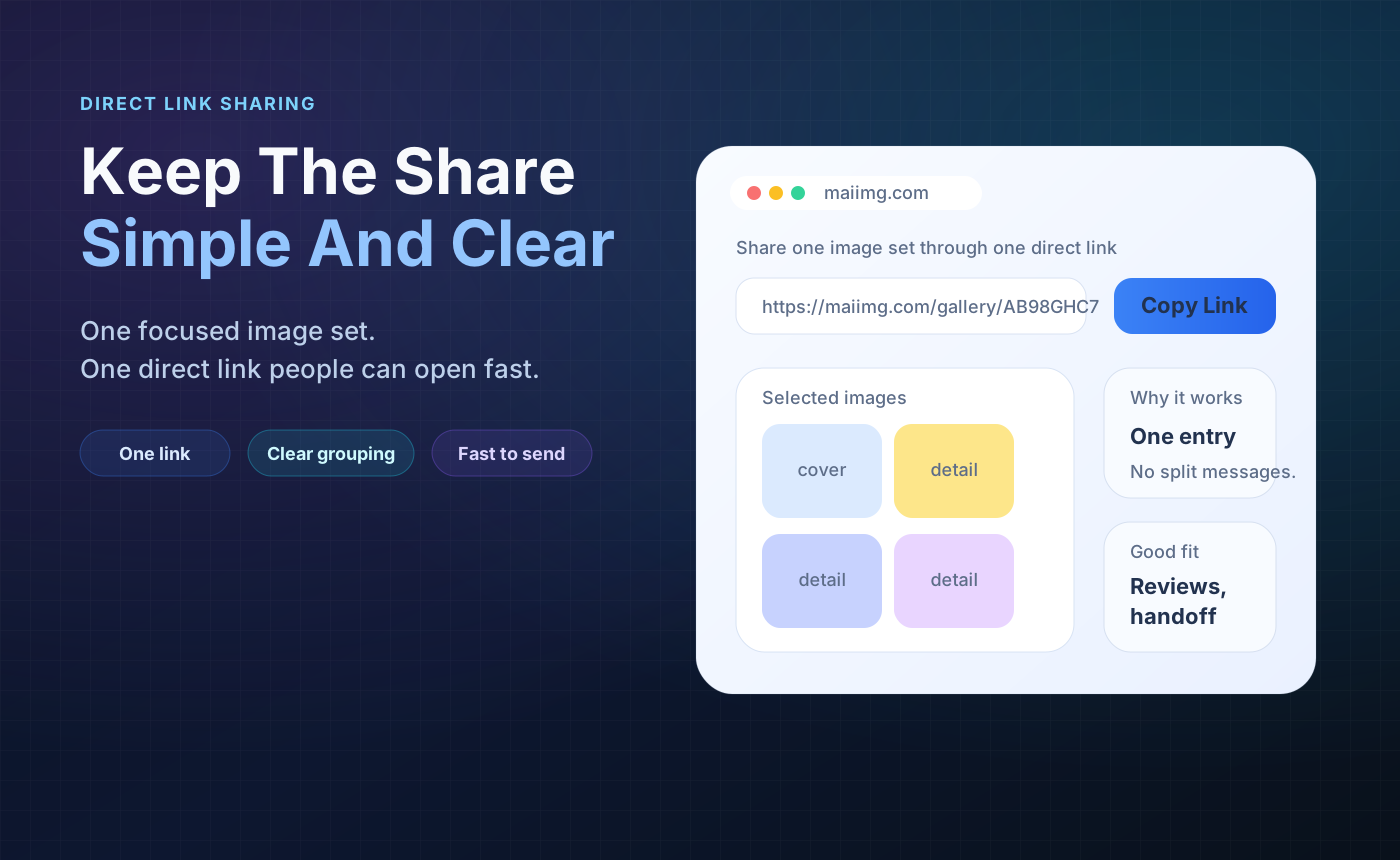
A listing photo share should be easy to open, easy to scan from print material, and easy to close when the property changes. Keep each link focused on one listing, one update, or one review request.
Keep the buyer, renter, or owner focused on the exact listing or update.
Use the same share in messages, flyers, window cards, or open-house signs.
When a listing changes, close the old photo link so outdated photos stop circulating.
Use one share for one listing, room set, update, or buyer question.
Lead with the best exterior or room photo, then add the details people ask about most.
Use expiry or revoke after an open house, listing update, sale, or owner review.
A property share works best when it is not a giant archive. Put the useful photos in order, keep the set under 25 files, and make the first image obvious.
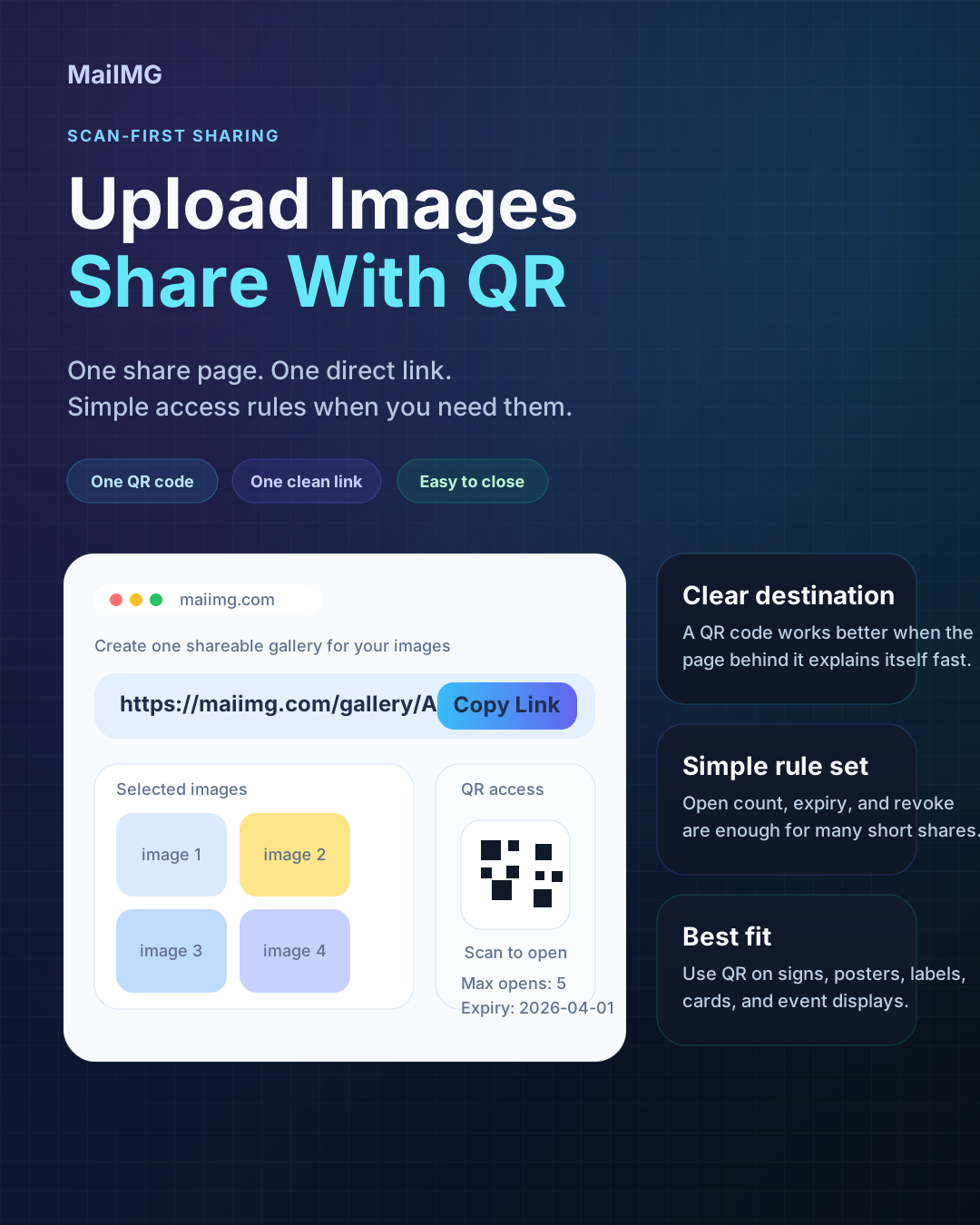
The same MaiIMG share gives you a direct link and QR code. Put the QR on open-house material or a window card, while using the link in messages and email.
When photos are replaced or a listing is no longer active, close the previous link. This reduces confusion and keeps old versions from being forwarded later.
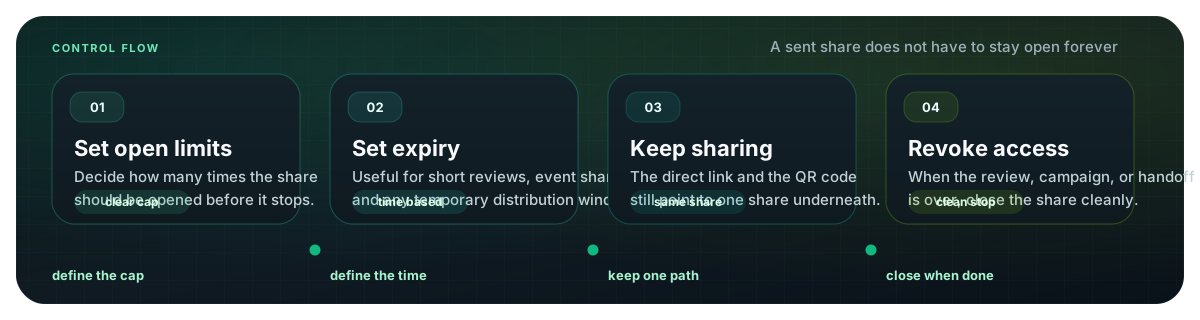
Upload a focused property photo set, send one link or QR code, and close access when the listing or review cycle is finished.
Try MaiIMG